



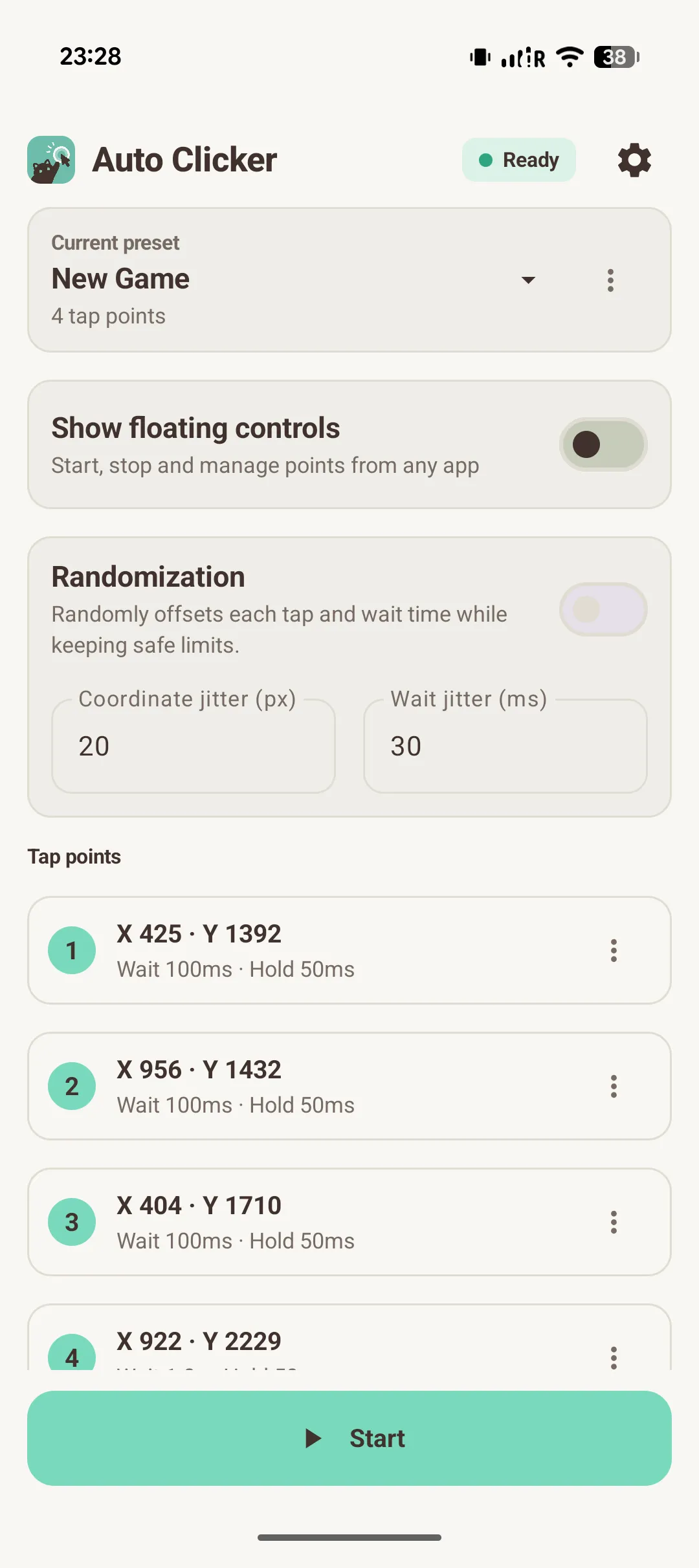
Set tap positions, wait times, and hold durations, then start or stop the sequence from the app or floating controls. The ongoing notification also provides Stop. Free supports two presets with five points each; a one-time Pro unlock is being verified before public release.


Why I built it
Renda-kun began as a small personal utility for automating repetitive taps on Android. The goal is to keep the workflow local, visible, and easy to control without requiring root access.


Current features
- Ordered tap points with individual wait and hold times
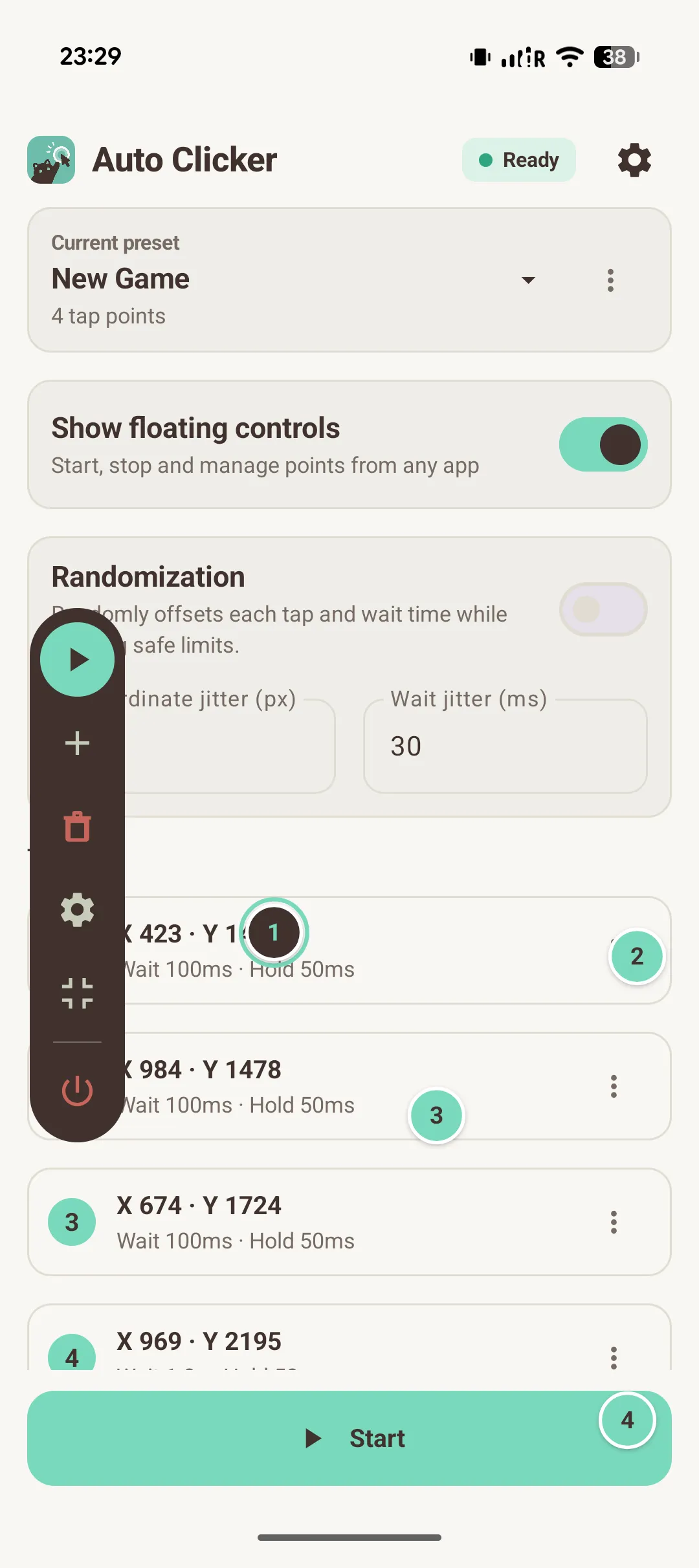
- Drag numbered markers or edit coordinates
- Save settings locally in named presets
- Free: two presets, up to five points per preset
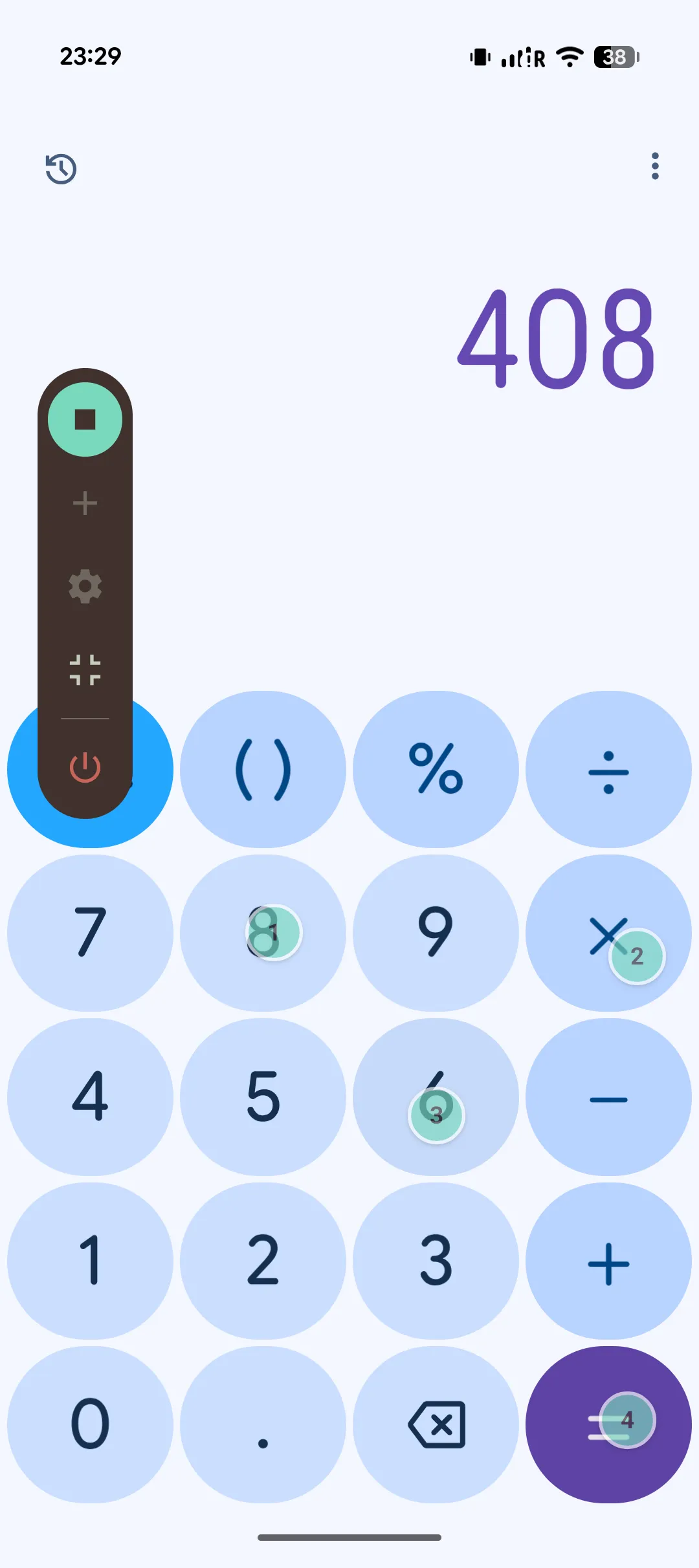
- Start and stop from the floating toolbar
- Add or remove points while stopped
- Collapse the toolbar and restore it when needed
- Point markers hide during execution and return after Stop
- A foreground service keeps a started sequence running
- Stop from the app, overlay, or ongoing notification
- Automation stops before a Google Play purchase and never resumes automatically
- One-time Google Play purchase and restore; no subscription
- Higher preset and point limits
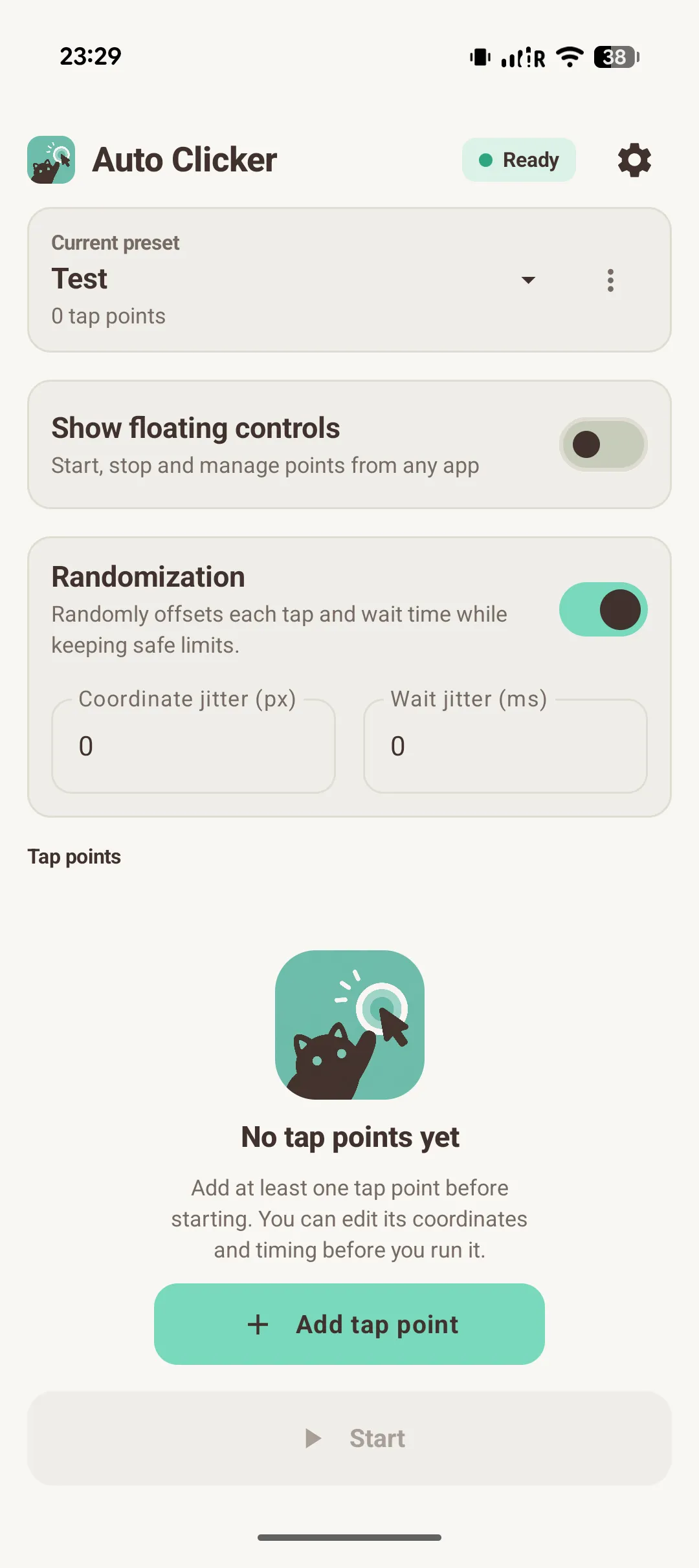
- Optional timing and coordinate randomization
- Loop-count or duration-based stop conditions
- Japanese, English, and Simplified Chinese interface
- Local presets and preferences; no app account or advertising
- A quiet Settings update hint from the goldBug version feed, checked at most once per 24 hours


How it works
- 01Enable Accessibility permission
- 02Allow floating overlay permission
- 03Create or select a preset
- 04Add and arrange tap points
- 05Set wait and duration
- 06Start the sequence
- 07Stop from the app, overlay, or notification


Permissions
Everything the app asks for, and why. Nothing runs invisibly.
Performs the configured screen gestures. It cannot be switched on automatically — you enable it yourself in Android settings.
Shows the floating control panel and the position-recording interface on top of other apps.
Keeps the active clicking process visible and provides a persistent Stop action while running.


Development status
- Multi-point execution, numbered markers, and floating controls
- Local presets, Free limits, and three interface languages
- Pro randomization and advanced stop conditions implemented
- Version-update hints implemented
- One-time purchase and restore implemented; initial Play test-payment checks complete
- Signed build installed through Google Play internal testing
- Store banner and screenshot sets prepared
- Verify the first-tap reliability fix in a new Play-delivered build
- Finish purchase, ownership, and device regression checks
- Complete store review materials and the required testing track
- Publish the first public Google Play release


Built with


Privacy Policy
Known limitations
- —Internal testing only; the app is not publicly available yet
- —The first tap can be missed in the current Play test build; a fix still needs Play verification
- —Accessibility and overlay permissions must be granted manually
- —Battery optimization and device-specific restrictions can affect long runs
- —Locked-screen behavior is not guaranteed; image recognition is deferred

